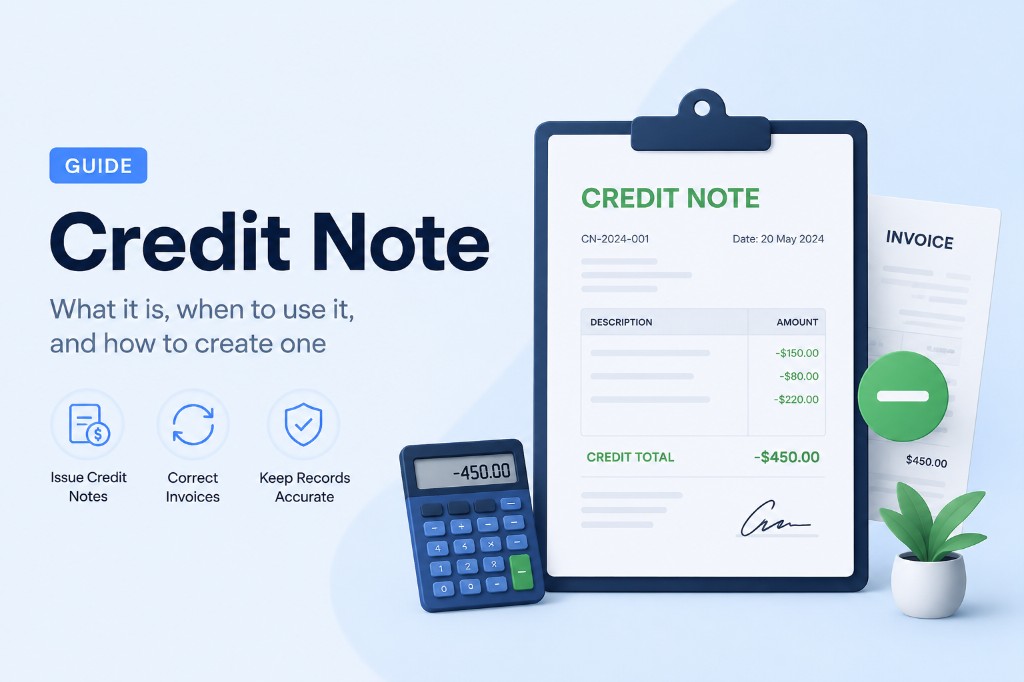
Credit Note Generator Australia Guide
A credit note reduces the amount a customer owes after an invoice was issued. Australian businesses and freelancers can use our free credit note template to document refunds, GST adjustments, and billing corrections as a professional PDF.
Credit notes are essential when you need to reverse or reduce a charge on a previous Australia invoice template. They reference the original transaction, show the credited amount, and give both parties a clear paper trail for accounting and tax records.
Our free invoice generator Australia uses the same layout for credit notes as for invoices, so your documents look consistent. Add your ABN, list credited line items, explain the reason in Notes, and download a PDF you can send alongside the original invoice. The guide below covers when to issue a credit note and how to create one online.

What is a credit note?
A credit note is a document that credits a buyer's account — typically because of returned goods, a billing error, a discount applied after invoicing, or a cancelled charge. It references the original transaction and shows the amount being credited.
Our credit note generator uses the same familiar layout as our invoice generator, so your documents look consistent across your business paperwork.
When to issue a credit note
- A customer returns products or cancels part of an order
- You overcharged on a previous invoice and need to correct the balance
- A goodwill discount is applied after the invoice was sent
- Services were not delivered as agreed and a partial credit is due
- You need a formal record for accounting and tax purposes
How to create a credit note online
- 1.Open the credit note template in our invoice generator.
- 2.Add your business details and the customer's Bill To information.
- 3.Enter the credit note number and date, plus the original PO number if applicable.
- 4.List each credited item with quantity, rate, and amount — same as an invoice line item.
- 5.Apply tax or adjustments if needed, then explain the reason in Notes.
- 6.Download the credit note PDF and send it to your customer with a short explanation.
Credit notes and your records
Keep the credit note PDF with the original invoice in your files. Record the credit in your accounting system so outstanding balances stay accurate. Use Amount Paid and Balance Due fields when tracking how much credit remains on the customer's account.