
NDIS Invoice Generator Australia Guide
Disability support providers in Australia often invoice NDIS participants or their plan managers after delivering supports. Our free NDIS invoice generator helps you format those claims clearly — with service dates, NDIS support line items, and payment details — so plan managers can process payment faster.
An NDIS invoice is different from a standard business invoice. Plan managers and the NDIA expect participant details, support item numbers from the NDIS Price Guide, hours or quantities delivered, and the dates supports were provided. Getting these fields right reduces rejections and payment delays.
Our NDIS invoice generator uses a layout tailored to Australian disability support billing. Enter your provider details, the participant under Bill To, optional plan manager contact details, and line items with NDIS support codes — then download a PDF at no cost. The guide below explains what to include and how to create an NDIS-ready invoice online.
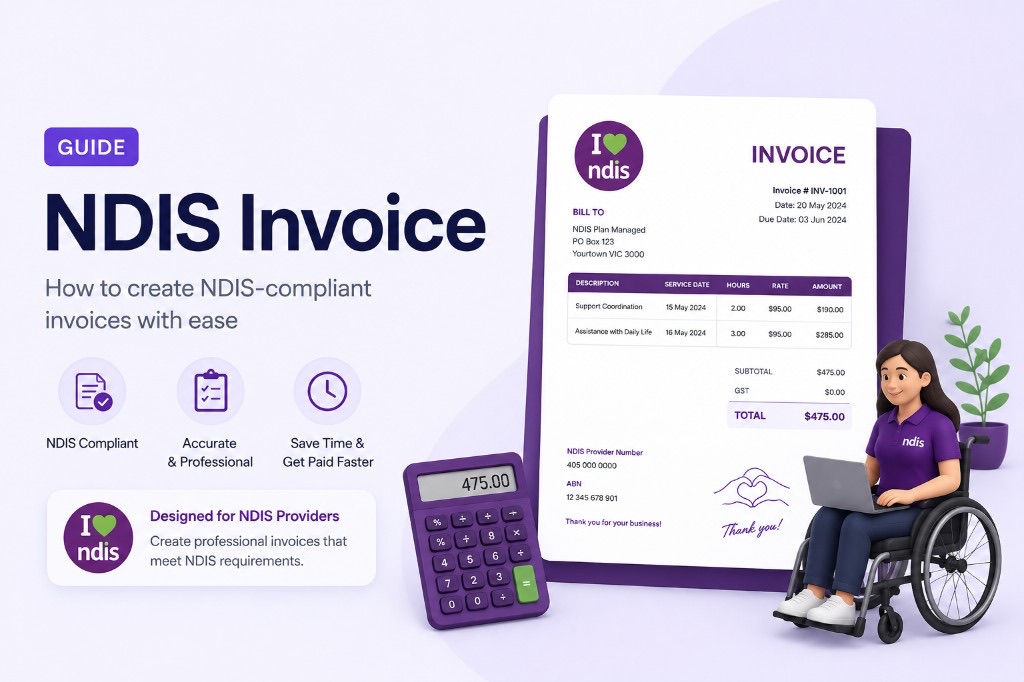
What is an NDIS invoice?
An NDIS invoice is a bill sent by a registered or unregistered support provider for disability supports delivered to an NDIS participant. Depending on how the participant's plan is managed, you may send the invoice to the participant, their plan manager, or the NDIA.
Unlike a general tax invoice, NDIS billing usually requires support line item numbers, service dates for each line, and clear participant identification so the claim can be matched to an active NDIS plan.
What to include on an NDIS invoice
- Your business name, ABN, address, email, and phone number
- NDIS participant name, NDIS number, and address
- Plan manager details (name and email) when the plan is plan-managed
- Invoice number, invoice date, and due date
- Service date for each line item delivered
- Description of support provided and the correct NDIS support line item code
- Hours or quantity, hourly or unit rate, and line amount
- GST (if you are registered) and invoice total
- Bank payment details — account name, BSB, and account number
How to create an NDIS invoice with our generator
- 1.Open the free NDIS invoice generator and add your company logo and provider details in the From section.
- 2.Enter the participant's name, NDIS number, and address under TO: NDIS client.
- 3.Add plan manager contact details under C/- Plan manager when billing a plan-managed participant.
- 4.Set the invoice number, invoice date, and due date in the right-hand panel.
- 5.Add each support delivered with service date, description, NDIS line item, hours or quantity, and rate.
- 6.Confirm GST is correct for your registration status, then enter bank details under Payment details.
- 7.Download the NDIS invoice PDF and send it to the participant or plan manager.
NDIS billing tips to avoid payment delays
Use the current NDIS Support Catalogue line item numbers and price limits that apply to your registration group. Incorrect codes or rates are a common reason plan managers return invoices for correction.
Make sure service dates fall within the participant's active plan period and match the supports actually delivered. Keep your own shift notes or roster records so you can verify each line if queried.
Our generator formats your invoice professionally but does not validate NDIA pricing rules — you are responsible for entering accurate support items and amounts before submitting a claim.
