
Guide

Invoice Generator Australia Guide — Create Invoices Online

Generate invoices for free! Created for Australian businesses and freelancers. This guide explains how to use our free invoice generator to create professional PDF invoices with GST, ABN details, and AUD currency — without spreadsheets or expensive software.

This online invoice generator Australia and Australian invoice generator helps you turn completed work into a bill clients can pay. Enter your business name, ABN, and client details, add line items with quantity and rate, and download a GST-ready PDF in seconds. The on-screen editor matches the final document, so there are no surprises when you hit download.

If you are registered for GST, include your ABN and show tax on the invoice where it applies. Sole traders and freelancers can use our freelancer invoice Australia template from any browser — no installation, no account, and no limit on how many invoices you create. Read the sections below for what to include, step-by-step instructions for generating an invoice, and tips to get paid faster.
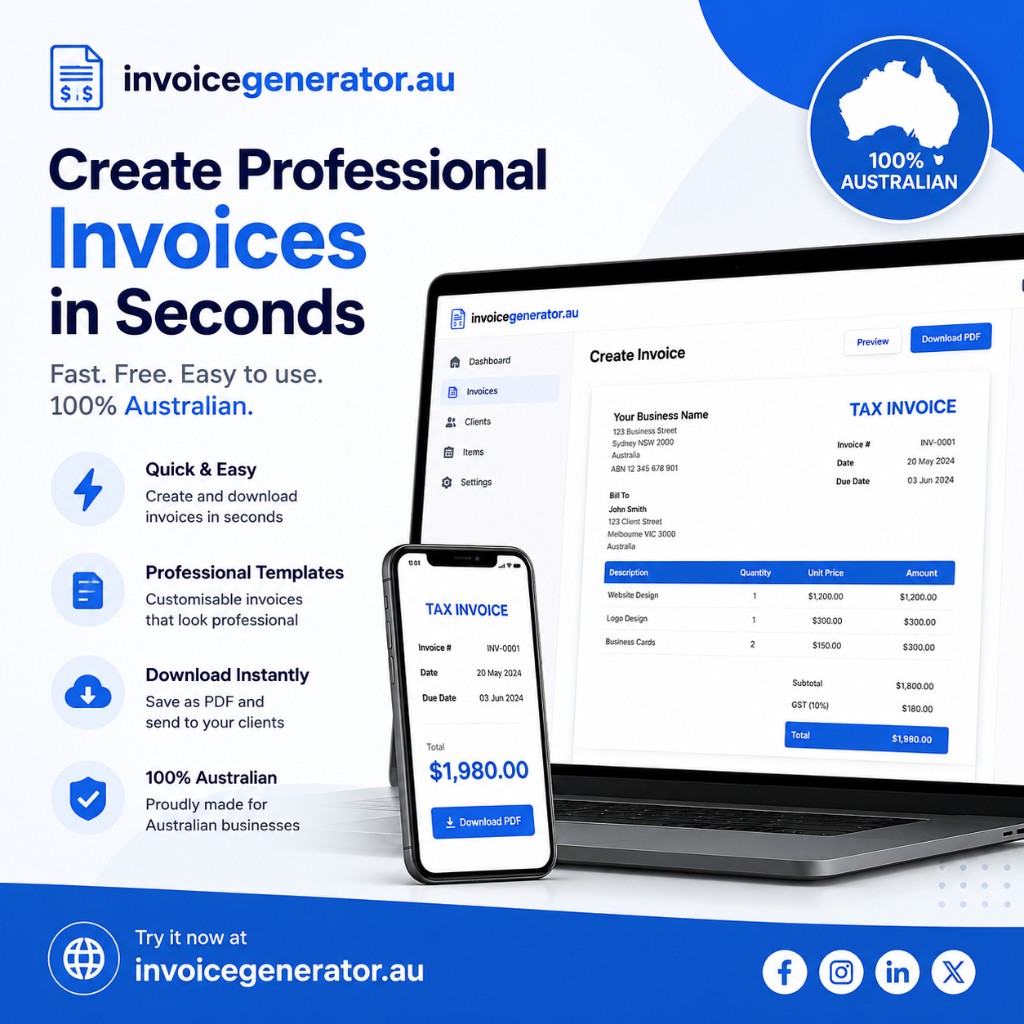
Invoice Generator Australia — create professional GST invoices in seconds on desktop and mobile

What is an invoice generator?

An invoice generator is an online tool that lets Australian businesses and freelancers fill in business details, client information, and line items, then download a ready-to-send PDF invoice. Our invoice generator Australia mirrors a clean Australia invoice template on screen so the PDF matches what you see before you download.

Unlike desktop accounting apps, a free invoice generator works in any browser. You do not need an account, subscription, or installation — open the Australia invoice template, enter your ABN, GST, and line items, and generate invoice Australia clients can pay online.

What to include on every invoice

  • Your business name, ABN, address, phone, and email in the From section
  • Client name and billing address under Bill To
  • A unique invoice number and invoice date
  • Payment terms and due date (for example, Net 30)
  • Line items with description, quantity, rate, and amount
  • Subtotal, GST, discounts, shipping, and total amount due
  • Payment instructions or bank details in Notes

How to create an invoice with our generator

  1. Open the free invoice generator Australia and add your logo plus company details including your ABN in the From field.
  2. Enter your client's information under Bill To and Ship To if delivery differs from billing.
  3. Set the invoice date, payment terms, due date, and PO number when your client requires one.
  4. Add each product or service as a line item with quantity and rate — amounts calculate automatically.
  5. Apply GST, discount, or shipping from Document Settings, then add bank details or terms at the bottom.
  6. Click Download Invoice to save a PDF you can email or print for your client.

Invoice generator tips for faster payment

Send invoices as soon as work is complete. Clear due dates and payment instructions reduce back-and-forth. Use consistent invoice numbering so you and your client can reference the same document in email threads.

Our invoice generator saves your draft in the browser, so you can return later to update Amount Paid and Balance Due when partial payments arrive.