
Guide

Purchase Order Generator Australia Guide

A purchase order is a buyer's official request to a supplier. Our purchase order generator is created for Australian businesses and freelancers — authorise spending, track orders, and download a PDF purchase order for free.

Purchase orders help Australian SMEs control spending before supplier invoices arrive. List items, quantities, and agreed rates in a formal PO, send it to your vendor, and match incoming bills against the original order for cleaner bookkeeping.

Our purchase order generator shares the same editor as our invoice and quote tools — enter your company as the buyer, add the vendor under Bill To, and download a PDF at no cost. The sections below explain when to use a PO, what to include, and how POs fit into your invoicing workflow.
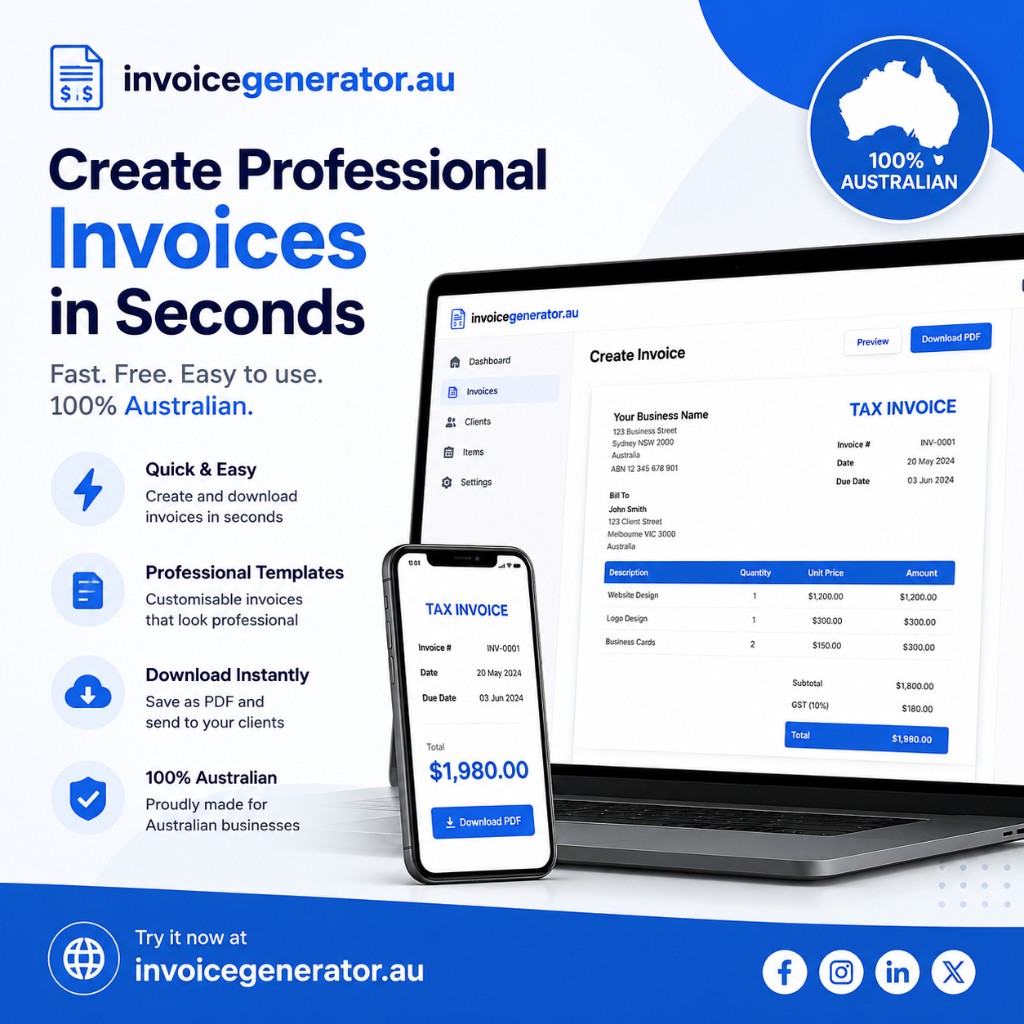
Invoice Generator Australia — create professional GST invoices in seconds on desktop and mobile

What is a purchase order?

A purchase order confirms what you are buying, from whom, at what price, and under which terms. Once the supplier accepts it, the PO becomes a binding agreement for the listed items and amounts.

Our purchase order generator shares the same editor as our invoice generator, so your team can create POs without learning a separate tool.

Why use a purchase order generator?

  • Authorise spending before invoices arrive from vendors
  • Give suppliers a clear list of items, quantities, and agreed rates
  • Create an audit trail for accounting and inventory
  • Reduce ordering errors with structured line items
  • Match incoming vendor invoices against the original PO

How to create a purchase order online

  1. Open the purchase order template in our free invoice generator.
  2. Enter your company as the buyer in From and the vendor under Bill To.
  3. Set the PO date and payment terms expected from the supplier.
  4. List each item with quantity, unit rate, and extended amount.
  5. Add delivery instructions or reference numbers in Notes.
  6. Download the purchase order PDF and send it to your vendor.

PO workflow with invoices

After the supplier fulfils the order, they send an invoice. Match their invoice line items and totals to your purchase order. Our invoice generator helps on both sides — create POs when buying and invoices when selling.