
AI invoice generators automate repetitive steps. With the right invoice generator, you create invoices fast and keep branding consistent.
This guide explains what these tools do, key features, and how to choose the right invoice generator tool for your business.
Quick summary
- AI invoice tools automate line items, taxes, and recurring bills.
- They reduce manual errors and speed up quote-to-invoice workflows.
- Look for templates, accounting integrations, and payment reminders.
- Freelancers and small teams benefit as much as larger businesses.
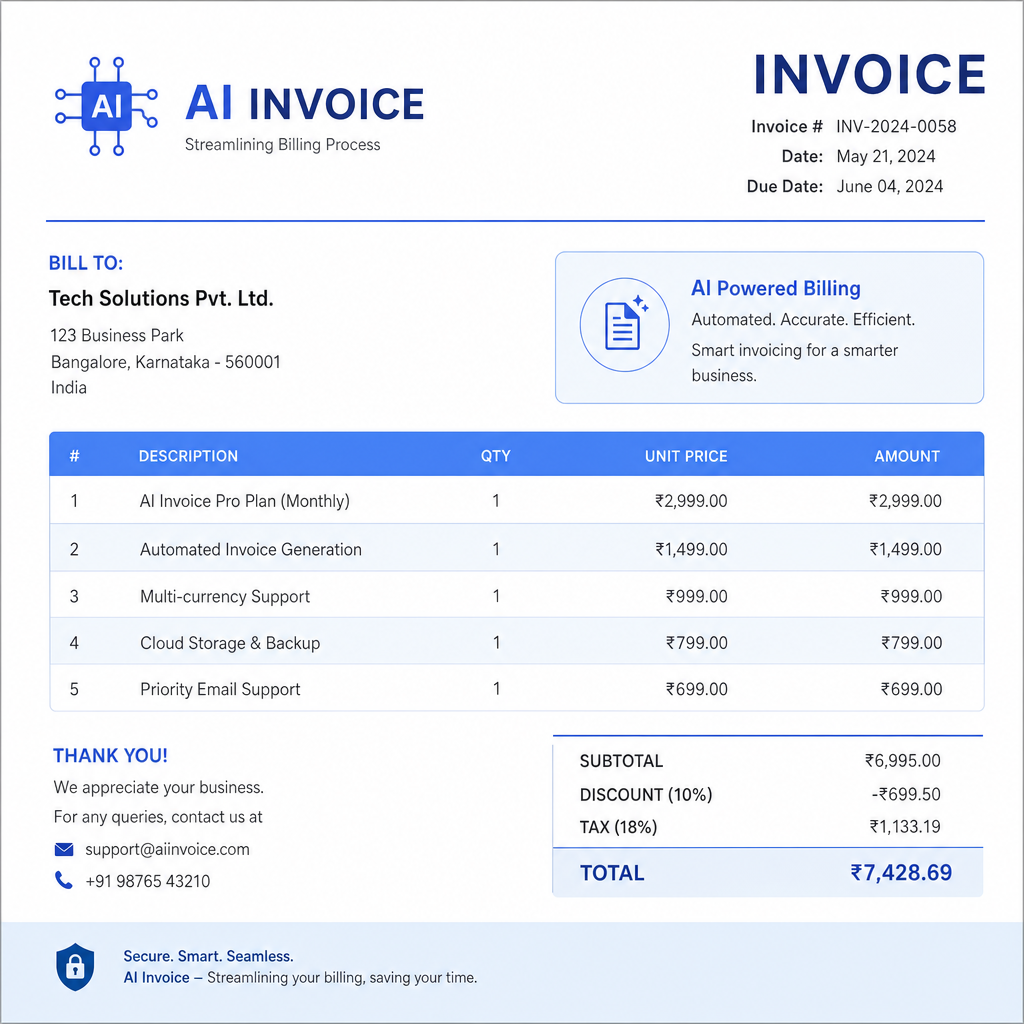
What is an AI invoice generator?
An AI invoice generator is software that builds bills with less manual typing. It uses smart defaults, templates, and checks to speed up each step.
Instead of copying client data every time, the tool pre-fills fields from past invoices or your contact list.
Common features
- Automatic data population
- Custom invoice templates
- Real-time error checks
- Multi-currency support
- Tax calculation automation
Teams use invoice generator software to simplify billing and improve cash flow. An invoice template generator also helps you pick layouts quickly without designing from scratch.
Key benefits
- Save time: less copy-paste and fewer calculations.
- Fewer errors: built-in checks catch bad totals early.
- Better client experience: clear, branded invoices.
- Payment tracking: see sent, viewed, and overdue bills.
- Recurring billing: automate repeat clients and subscriptions.
Many invoice generators connect to accounting tools. That keeps sales and finance data in sync.

How AI invoice generators work
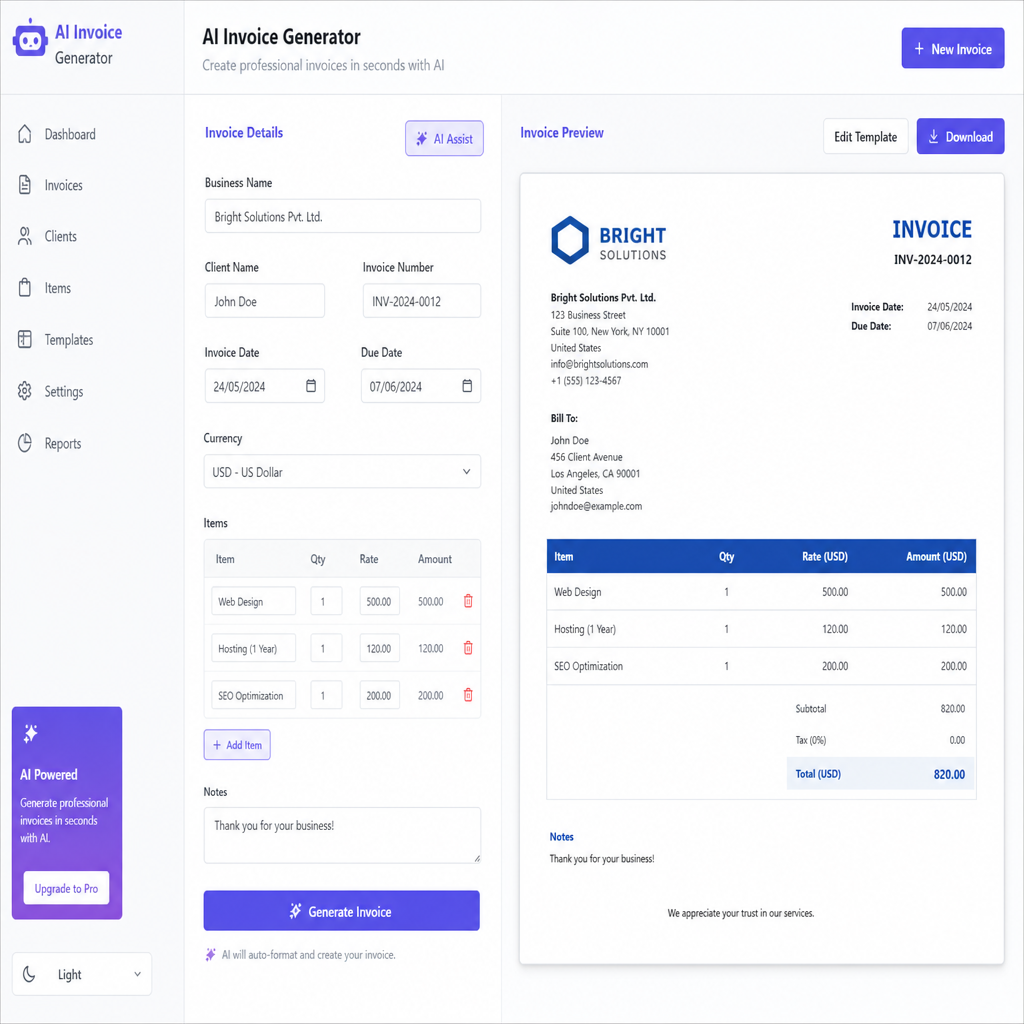
- Enter or import client details.
- Choose or customize a template.
- Add line items, tax, and payment terms.
- Review totals and send the invoice.
- Track status and send reminders if needed.
The tool handles math and formatting. You focus on the work—not the paperwork.

What to look for in invoice generator tools
- Custom templates with your logo and colours
- Integration with accounting software
- Multi-currency and multi-language support
- Payment tracking and automated reminders
Pick a invoice generator tool that matches your client base. International work needs currency support. Service businesses need clear line-item layouts.
Create invoices fast: six steps
- Choose your invoice generator software.
- Add your business name, address, and logo.
- Select a template from the invoice template generator.
- Enter client details and line items.
- Review tax, totals, and due date.
- Send the invoice from the tool.


Compare invoice generator software options
Before you commit, check these areas:
- Ease of use: can you create a bill in minutes?
- Integrations: does it connect to your accounts package?
- Pricing: free tier vs paid automation features.
- Security: encryption and reliable support.
Branding and integrations
Custom templates reinforce your brand on every bill. Add your logo, colours, and payment terms once—then reuse them.
Connect your invoice generator ai workflow to accounting, CRM, or payment tools. Fewer duplicate entries means fewer mistakes.

Who benefits from an auto invoice generator?
- Small businesses that bill weekly or monthly
- Freelancers who need professional PDFs fast
- Accountants managing many client files
- Subscription businesses with recurring charges
An auto invoice generator is not only for large companies. Solo operators often see the biggest time savings.

Tips for better results
- Keep client and product lists up to date.
- Save one branded template as your default.
- Turn on recurring invoices for repeat work.
- Send payment reminders before due dates.
Conclusion
AI invoice generators cut admin time and improve billing accuracy. Choose a tool with templates, integrations, and reminders that fit your workflow.
Start with one invoice today. You will see how much faster the process can be.