
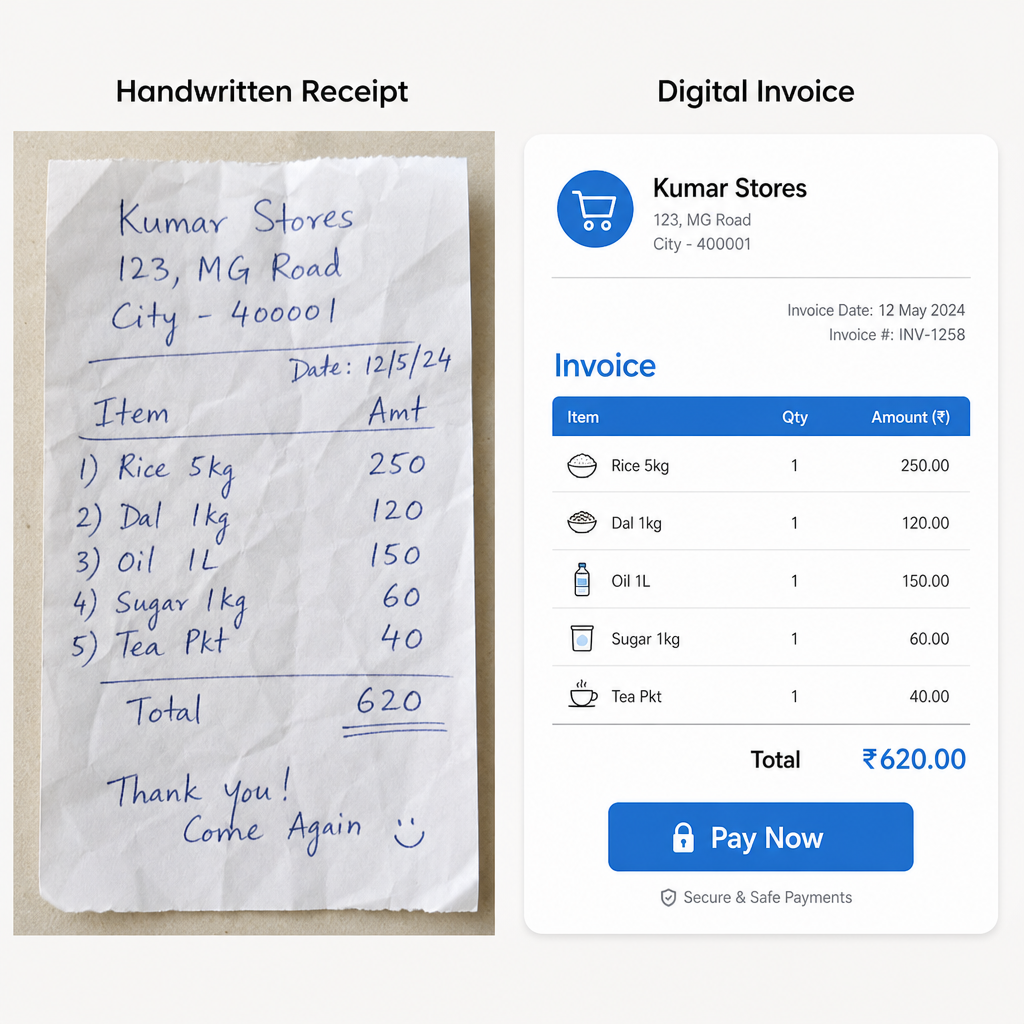
You've done the hard work; now you need to look the part. Stop wrestling with clunky Word templates that break every time you add a line item. While these old-school methods feel comfortable, they carry the "invisible cost" of manual bookkeeping errors—like mistyped totals that silently eat into your profits. Exploring reliable alternatives to manual bookkeeping, such as a free invoice maker app or free invoice software, is your first step toward digital professionalism.
Consider a local handyman who recently traded his paper receipt book for a mobile app. After learning how to create professional invoices right from his smartphone, his late payments dropped by half. He also uses a free receipt maker for cash jobs, keeping every transaction tidy. Clients naturally prioritize polished bills because a clean, structured document builds immediate trust and signals that you run a legitimate operation.
Industry data reveals a clear advantage to this level of invoice automation: digital bills get paid an average of three days faster than their paper counterparts. Finding the right free invoice maker app gives you a digital filing cabinet that completely removes the hassle of getting paid, instantly upgrading your billing process.
5 Non-Negotiable Features Your Free Billing Software Must Have
Transitioning to free billing software shouldn't mean sacrificing the tools that make you look like a pro. A great app lets you quickly send a polished bill from your smartphone before you even pull out of the client's driveway.
When comparing invoice software options online—sometimes even labeled as "invoice softwares"—use precise searches like "billing software free" or "free invoice software" to surface solid choices without hidden trade-offs.
Before downloading anything, verify the app has these five core features:
- Mobile creation: Build and send invoices directly from your pocket.
- Recurring billing: A tool that automatically generates and sends bills for your regular, weekly clients.
- Tax calculation: Does the math on local sales tax instantly.
- Data security: Protects your clients' sensitive contact and payment details.
- Payment gateways: A digital bridge that lets clients click a "Pay Now" button to settle up immediately.
The safety of that client data often comes down to cloud-based versus offline invoicing. Cloud synchronization works exactly like a saved draft in your email. Instead of trapping your files on one device, it securely backs up your records online, allowing you to start an invoice on your phone and finish it safely on your laptop.
Time-saving automation is the final piece of the puzzle. The best apps send automated payment reminders for clients, gently nudging them when a due date approaches so you never have to play the bad guy.
The Best Free Invoice Maker Apps Reviewed: Wave vs. Zoho vs. Square
Before choosing a platform, you must understand the hidden catch behind many "free" tools. Several companies advertise their platforms as free invoice software, but they quickly restrict you with strict invoice limits. Think of these limits like a punch card at a coffee shop; once you send a certain number of bills or save a specific number of clients in the system, you are suddenly forced to upgrade to a paid subscription to keep working.
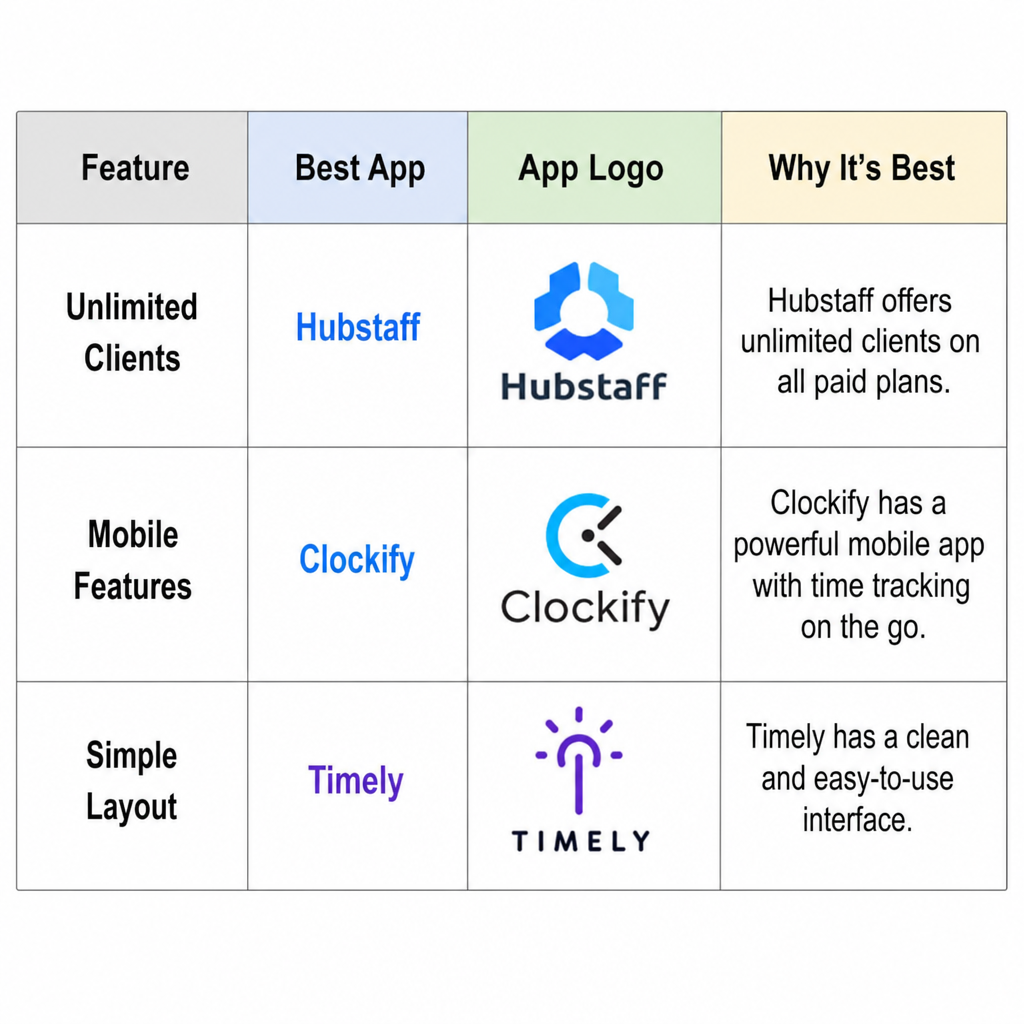
Finding an invoice generator free of these sneaky caps is crucial if your client list is growing. Wave Accounting is a fantastic starting point because its free tier completely removes those volume barriers. It functions like a digital filing cabinet with a very simple layout, making it ideal for high-volume freelancers who just want to get bills out the door quickly without worrying about hitting a paywall.
Another standout option is Zoho Invoice, which offers a robust toolkit completely free of charge. If you work with overseas clients, this app easily handles international billing and complex local tax compliance without requiring any extra math on your part. It automatically applies the right currency and tax rates, while offering top-tier mobile features so you can manage global clients right from your smartphone.
Square Invoices takes a slightly different approach by focusing heavily on getting cash into your hands fast. The software features a built-in payment gateway, which is simply a digital bridge between your invoice and your bank account. This tool allows clients to securely click a "Pay Now" button to settle up via credit card instantly, though standard processing fees will apply to the transaction when they use it.
Evaluating the best billing software for freelancers ultimately comes down to your specific daily workflow. To help you choose your digital workspace, here are the pros and cons of these top three platforms:
- Wave:Pros: Unlimited clients and invoices; incredibly simple layout. Cons: Limited customer support on the free plan.
- Zoho Invoice:Pros: Totally free forever; fantastic mobile app; great for international tax. Cons: The dashboard can feel cluttered if you only need very basic billing.
- Square:Pros: Seamless payment gateway; perfect for users who also sell in person. Cons: Visual customization options for the actual invoice are limited.
Picking the right platform sets a solid foundation, but even the best app cannot force a client to pay a confusing bill. A beautiful template is useless if it lacks vital details or uses payment terms your customer doesn't understand.
Step-by-Step: Creating a Legal, Professional Invoice That Clients Actually Pay
Starting a new app or any invoice software might feel overwhelming, but most customizable business invoice templates follow the exact same layout. Getting this right turns a simple request for money into a professional document. To protect your business and ensure tax compliance, you must always include the seven essential elements of a legal invoice:
- Your business name and contact info.
- The client's billing address.
- A unique invoice number (like INV-001).
- The issue date.
- Payment terms (like "Net 30," meaning the bill is due in 30 days).
- An itemized list of your services.
- The total amount due.
Vague descriptions are the fastest way to delay your payday. Instead of just typing "design work," use clear line itemization—breaking down your bill into specific, easy-to-read parts. Whether you are tracking billable hours for contractors or charging a flat rate for dog walking, listing the exact tasks prevents client confusion so they pay faster.
With your details crystal clear, take advantage of the digital format by enabling a "Pay Now" button before you hit send. This simple feature removes friction, allowing clients to settle up instantly with a credit card straight from their email inbox. However, that instant convenience often brings hidden backend costs.
Avoiding 'The Catch': Understanding Payment Fees and Subscription Limits
You might wonder how these handy apps stay in business without charging a dime. The secret lies in a small toll booth for digital money. When clients use that convenient "Pay Now" button, the app uses secure payment gateway integration to process their credit card, taking roughly three percent of the total. Accepting a traditional paper check avoids this fee entirely, but you trade that savings for the hassle of waiting weeks on the mail.
App developers also earn money by capping how many free bills you can create. If you only serve a few clients monthly, handling generating receipts without subscription costs is simple. However, the tipping point for upgrading hits when your business scales up. Paying fifteen dollars a month becomes a smart investment when premium automation saves you hours of manual paperwork.
Staying on a free plan just requires a bit more tracking of who owes you. You are perfectly capable of managing accounts receivable efficiently by checking your dashboard weekly instead of paying for automated client reminders.
Your 24-Hour Action Plan: From Messy Spreadsheets to One-Click Billing
By embracing mobile accounting software solutions, you execute a clean break from scattered paperwork and seamlessly streamline client billing cycles. This single upgrade empowers you to reclaim valuable administrative time every week. Build your confidence by taking these steps right now:
- Pick your preferred app.
- Upload your logo.
- Send a test invoice to yourself today.
Your billing process isn't just a messy desk chore anymore; it's a streamlined system designed to minimize late payments with automation. You already deliver great service—now you possess the exact tools to get paid faster, look undeniably professional, and take back your free time.
Frequently Asked Questions
Question: What features are non-negotiable in a free invoice maker app?
Short answer: Look for mobile creation, recurring billing, instant tax calculation, strong data security, and built‑in payment gateways. Bonus points for automated payment reminders. These core tools let you create and send invoices from your phone, handle routine clients automatically, calculate local tax correctly, safeguard sensitive client data, and let customers click “Pay Now” to pay immediately. Cloud sync is especially valuable—it works like saving an email draft, so you can start an invoice on your phone and finish it on your laptop without losing data.
Question: What’s the real “catch” with many free invoice tools?
Short answer: Most “free” plans monetize in two ways: payment processing fees and usage caps. If a client pays via the app’s gateway, expect roughly a three percent fee; mailing a check avoids this but slows payment. Many platforms also cap the number of invoices or clients on free tiers, nudging you to upgrade as you grow. To stay truly free, pick a tool without volume limits (e.g., Wave’s free tier), accept non-gateway payments when appropriate, and manually track who owes you by checking your dashboard weekly instead of paying for automated reminders.
Question: Which app should I choose: Wave, Zoho Invoice, or Square Invoices?
Short answer: Match the app to your workflow.
- Pick Wave if you need unlimited invoices/clients and a simple layout, and you can live with limited free support.
- Choose Zoho Invoice if you want a forever‑free, feature‑rich tool with excellent mobile apps and international tax/currency handling (the dashboard can feel busy for very simple needs).
- Go with Square Invoices if fast, seamless payments are your priority or you also sell in person; just note invoice design customization is limited and standard processing fees apply.
Question: How do I create a legal, professional invoice that gets paid faster?
Short answer: Include seven essentials and itemize clearly. Every invoice should have: 1) your business name/contact info, 2) the client’s billing address, 3) a unique invoice number, 4) the issue date, 5) clear payment terms (e.g., Net 30), 6) an itemized list of services, and 7) the total due. Avoid vague lines like “design work”—break tasks down so clients immediately understand charges. Then enable a “Pay Now” button to remove friction; digital invoices are paid, on average, three days faster than paper.
Question: Why switch from spreadsheets or Word templates to a mobile app?
Short answer: You’ll reduce costly errors, look more professional, and get paid sooner. Manual templates often lead to hidden bookkeeping mistakes (like mistyped totals). A modern app provides polished, consistent invoices, automated workflows (recurring billing and reminders), secure cloud backups, and one‑click payments. Real‑world results reflect this: after moving to a mobile app, a local handyman cut late payments by half—and industry data shows digital invoices get paid about three days faster than paper.