
Creating invoices can be a daunting task for many small business owners and freelancers. However, using an invoice free template can simplify this process.
These templates save time and money, allowing you to focus on your core business activities. They offer a professional look without the need for expensive software. An invoice maker online or a free invoice builder can also help you create your own invoice in minutes.
With customizable options, you can tailor your invoices to reflect your brand identity. This personalization can enhance your business's credibility and professionalism.
Whether you need an invoice with GST or an invoice template no GST, there are options available. An invoice maker online and free invoice builders provide accessible solutions for creating your own invoice.
In this guide, we'll explore how to create an effective invoice free template.
Why Use an Invoice Free Template?
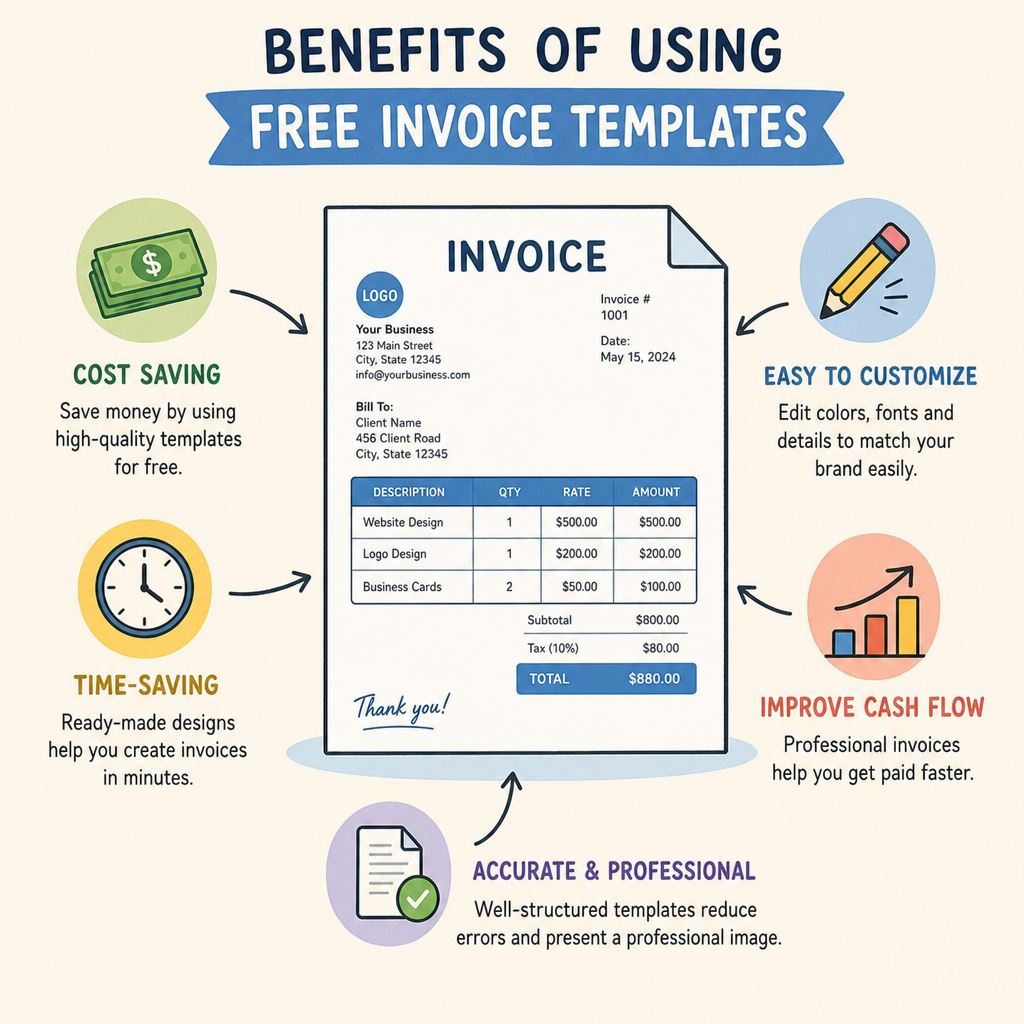
An invoice free template offers numerous benefits, especially for small business owners. First and foremost, it's cost-effective. You don't need to invest in expensive software to create professional invoices.
Free templates are also time-savers. They provide ready-made layouts that require minimal customization. This feature can be a big advantage for busy entrepreneurs who juggle multiple tasks.
Customizability is another key benefit. With a free invoice template, you can add your logo, business details, and specific terms. This level of personalization can leave a positive impression on clients.
These templates are accessible and often available in multiple formats, such as Word, Excel, or PDF. This flexibility ensures that you can choose a format that suits your workflow and business needs.
In summary, a free invoice template can streamline your invoicing process. It combines affordability, efficiency, and professional appearance in one package.
Key Benefits of Using a Free Invoice Template:
- Cost-effective and easily accessible
- Saves time with ready-made layouts
- Offers customization options
- Available in various formats
- Enhances your business's professional image
Essential Elements of a Professional Invoice
Creating a professional invoice requires attention to detail. It involves more than just listing services and charges.
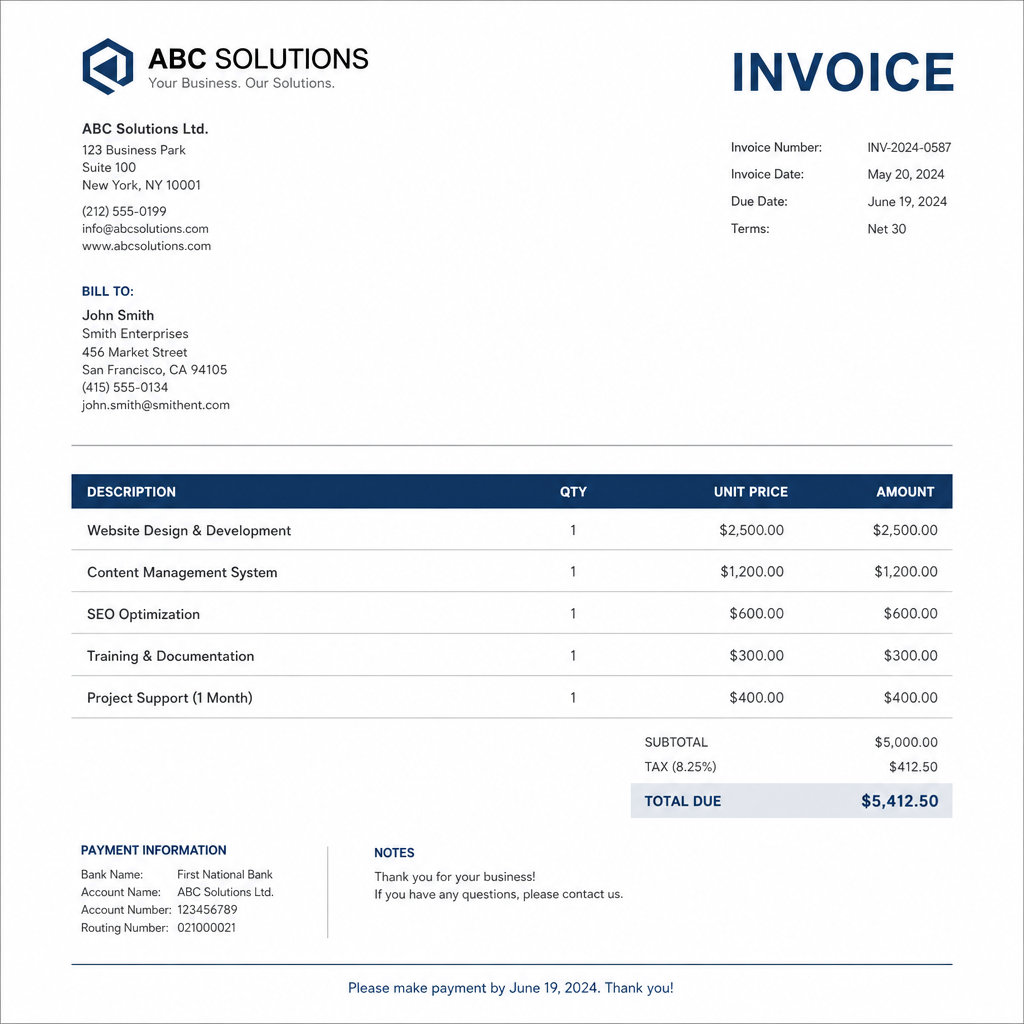
An invoice should always include a clear header with your business name. Your contact information should be easily visible, to help clients reach out with questions.
The invoice date is crucial. It not only tracks the document but also sets the timeline for payment due dates.
Next, detail the services or products provided, including specific descriptions. Each item should have a corresponding price to ensure transparency.
Don't forget to include payment terms. Specify the due date and accepted payment methods to avoid confusion.
Key Elements of a Professional Invoice:
- Business name and contact information
- Invoice date and unique invoice number
- Detailed itemized list of services/products
- Total amount due, with individual prices
- Payment terms and conditions
With these elements, your invoice will look professional and be easy to understand.
Invoice With GST vs. Invoice Template No GST
Choosing between an invoice with GST and one without depends on your business's tax obligations. GST, or Goods and Services Tax, is mandatory in many regions.
Businesses registered for GST must include it on invoices. This includes the GST percentage and total amount. Ensuring compliance with local tax regulations is critical.
In contrast, an invoice template no GST suits businesses not registered for GST. These businesses have simpler invoicing needs, avoiding unnecessary tax details.
When designing an invoice template, consider your business model and client's location. Including the correct tax information ensures a smooth transaction.
Key Differences:
- Invoice with GST :
- Suitable for GST-registered businesses
- Includes GST details
- Invoice without GST :
- For non-GST-registered businesses
- Lacks GST information
 by Testeur de CBD (https://unsplash.com/@testeurdecbd)
Choosing the Right Format: Word, Excel, PDF, or Online
Selecting the best invoice format depends on your business needs. Common formats include Word, Excel, and PDF.
Word templates are easy to use and customize. They are great for simple invoices but may lack advanced functions.
Excel offers automatic calculations, which save time. It's suitable for detailed invoices with multiple items.
PDFs are professional and universal. They ensure that your invoice appears consistent on any device.
Online invoicing platforms offer additional benefits. They provide templates that are accessible from anywhere. If you prefer automation without spreadsheets, an invoice maker online combines templates with built-in calculations.
When choosing a format, consider your technical skills and business requirements. The right format helps streamline your invoicing process.
Format Options:
- Word: Simple, easy to edit
- Excel: Includes automatic calculations
- PDF: Consistent appearance
- Online: Accessible and feature-rich
 by Giorgio Tomassetti (https://unsplash.com/@gtomassetti)
How to Create Your Own Invoice Template From Scratch
Creating an invoice template from scratch allows complete control. Start by choosing a format that suits your needs. Word and Excel are popular choices for beginners. If you want to create your own invoice step by step, follow these basics.
Begin with the basic structure. Include essential components like your business name, contact details, and logo. This personalization enhances professionalism.
Next, add sections for the invoice number, date, and recipient information. Clear labeling ensures clarity for both you and your clients.
Create an itemized list for services or products offered. This list should detail quantities, rates, and subtotals for transparency. Ensure calculations are accurate if you're using a spreadsheet format.
Include sections for GST if applicable, along with a field for the total amount due. Clarifying payment terms here can improve cash flow by encouraging timely payments.
Consider any additional information such as a note of thanks or your payment methods. Such elements add a personal touch and can foster client relationships.
Steps to Create Your Template:
- Choose your format (Word, Excel, etc.)
- Add business details and logo
- Include invoice number and date
- List items/services with prices
- Add GST and total amount fields
- Specify payment terms
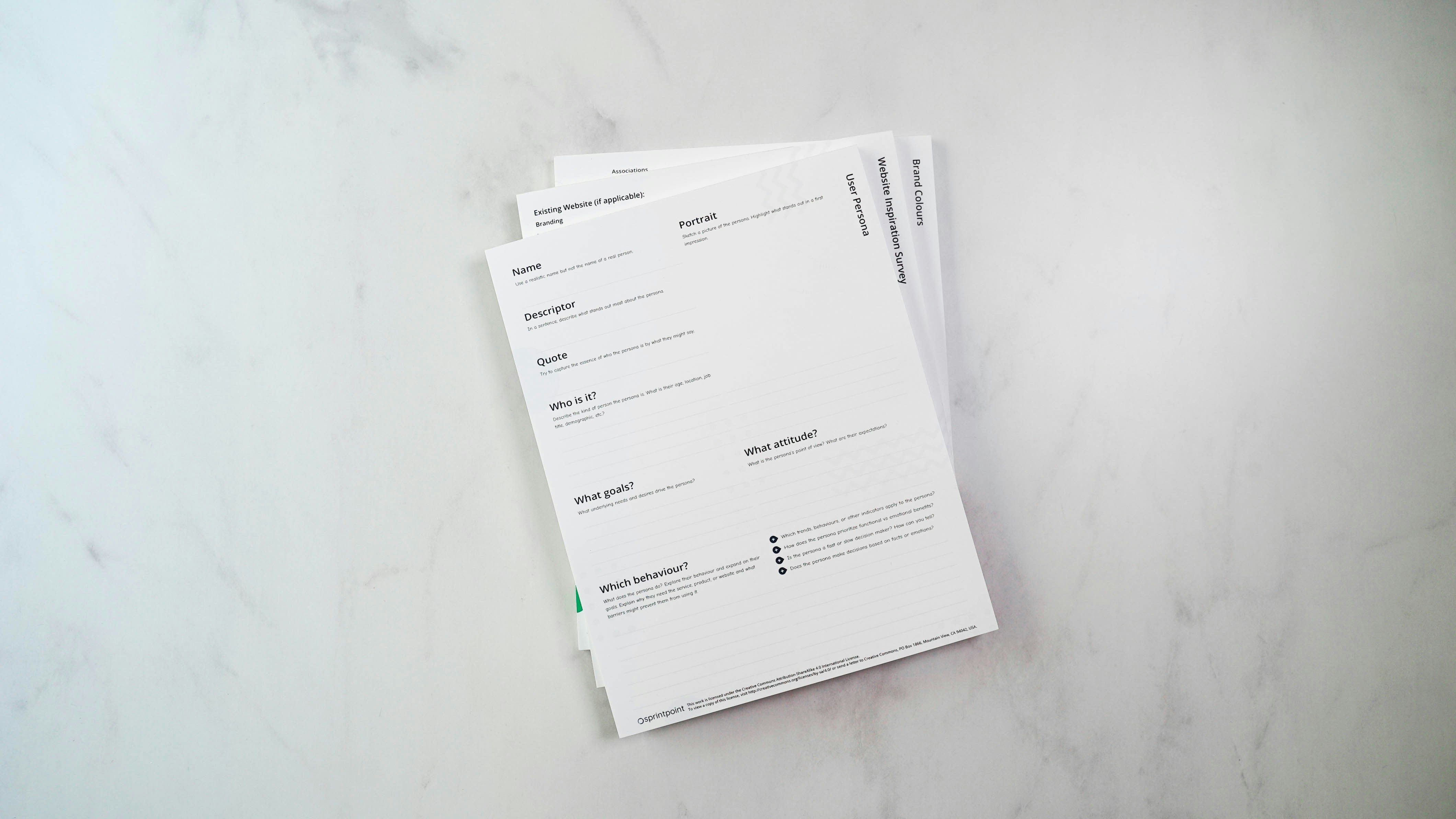 by 2H Media (https://unsplash.com/@2hmedia)
Using an Invoice Maker Online: Pros, Cons, and Top Tools
Online invoice makers have gained popularity due to their convenience. They allow you to create professional invoices from any device. This flexibility is invaluable for freelancers and small business owners on the go. An invoice maker online allows you to generate, send, and store invoices quickly. A good invoice maker can also integrate with payment gateways and accounting tools.
One major advantage is automation. Many platforms handle calculations and offer templates that reduce setup time. This feature allows users to focus more on their business activities. Additionally, some tools integrate with accounting software, streamlining your financial processes.
However, there are downsides to consider. Free versions often come with limitations, such as fewer customization options and limited storage. Some platforms may also require a stable internet connection, which could be a barrier for some.
Popular online invoice makers include FreshBooks, Zoho Invoice, and Invoice Simple. Each offers unique features tailored to different business needs. It's essential to compare these tools to find the best fit for your requirements.
Pros and Cons:
- Pros: Convenience, automation, integration
- Cons: Limited free features, Internet dependency
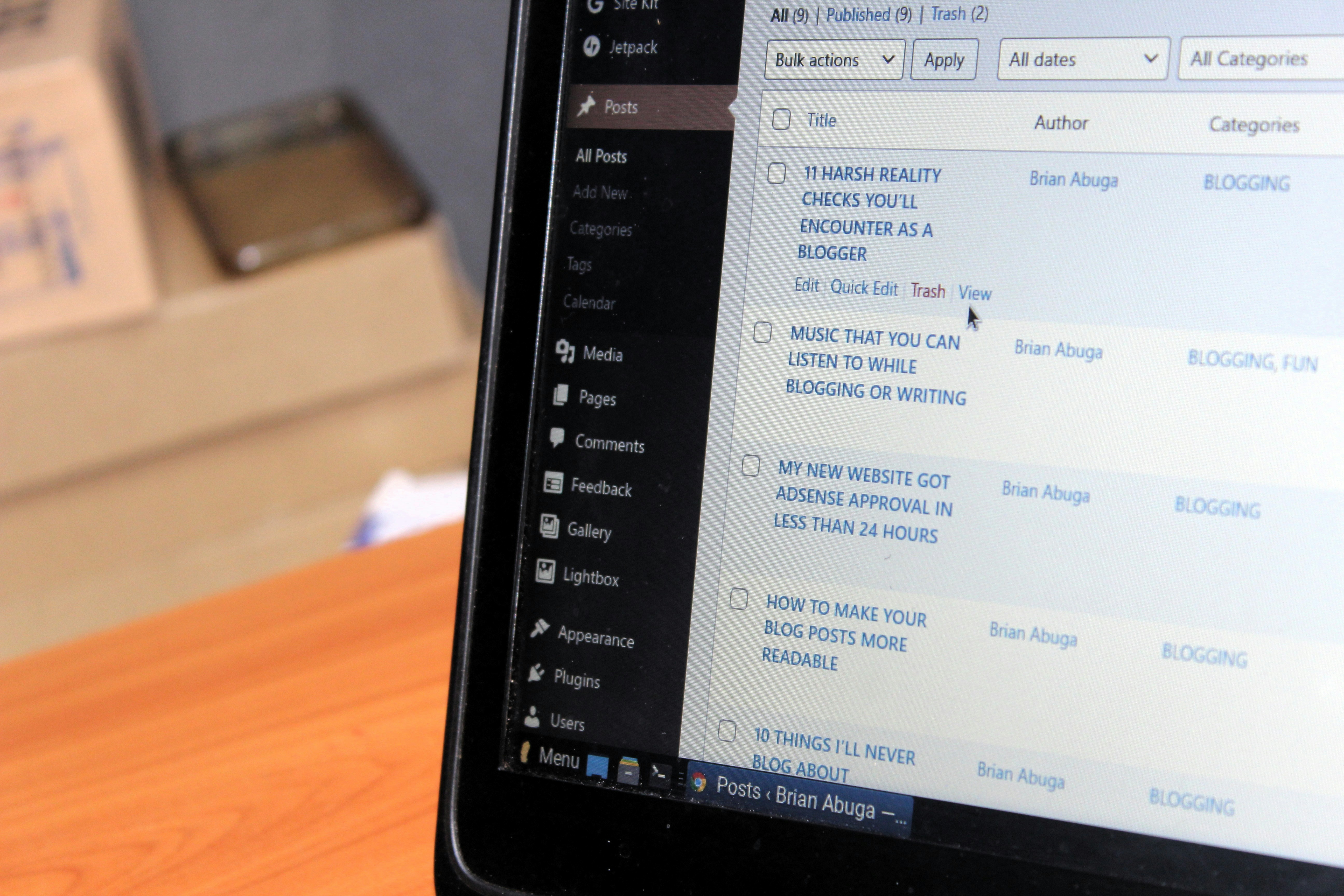 by Brian Abuga (https://unsplash.com/@brianabuga)
Free Invoice Builder: Features and Limitations
Free invoice builders offer a cost-effective way to create invoices. They are perfect for startups and small businesses on tight budgets. Despite being free, many builders include essential features necessary for billing.
Basic features often include customizable templates, basic customer tracking, and the ability to save templates. Most tools provide user-friendly interfaces that do not require advanced technical skills.
However, free invoice builders can come with certain restrictions. Limited customization options mean that invoices might lack a unique touch. Other limitations might include a cap on the number of clients or invoices you can create.
Despite these limitations, free invoice builders are a great starting point for businesses. They allow you to experiment with invoicing styles and find what works best.
Key Features:
- Customizable templates
- Basic tracking
- User-friendly interfaces
 by Markus Winkler (https://unsplash.com/@markuswinkler)
Customizing Your Invoice Template for Branding and Compliance
Customizing an invoice template can elevate your business image. Personalization includes adding logos and choosing brand colors. These elements help reinforce your brand identity.
Branding isn't the only concern; compliance is also key. Ensure your invoice meets local tax regulations. This includes making space for GST if required.
When designing, include elements that make your invoice easy to read. Clear fonts and organized layouts improve client understanding. A well-organized invoice reduces the chance of errors.
Consider incorporating additional features for a professional touch. Add custom fields for special notes or payment terms. These can clarify expectations and encourage timely payments.
Customization Tips:
- Add logos and brand colors
- Ensure compliance with tax laws
- Use clear fonts and organized layouts
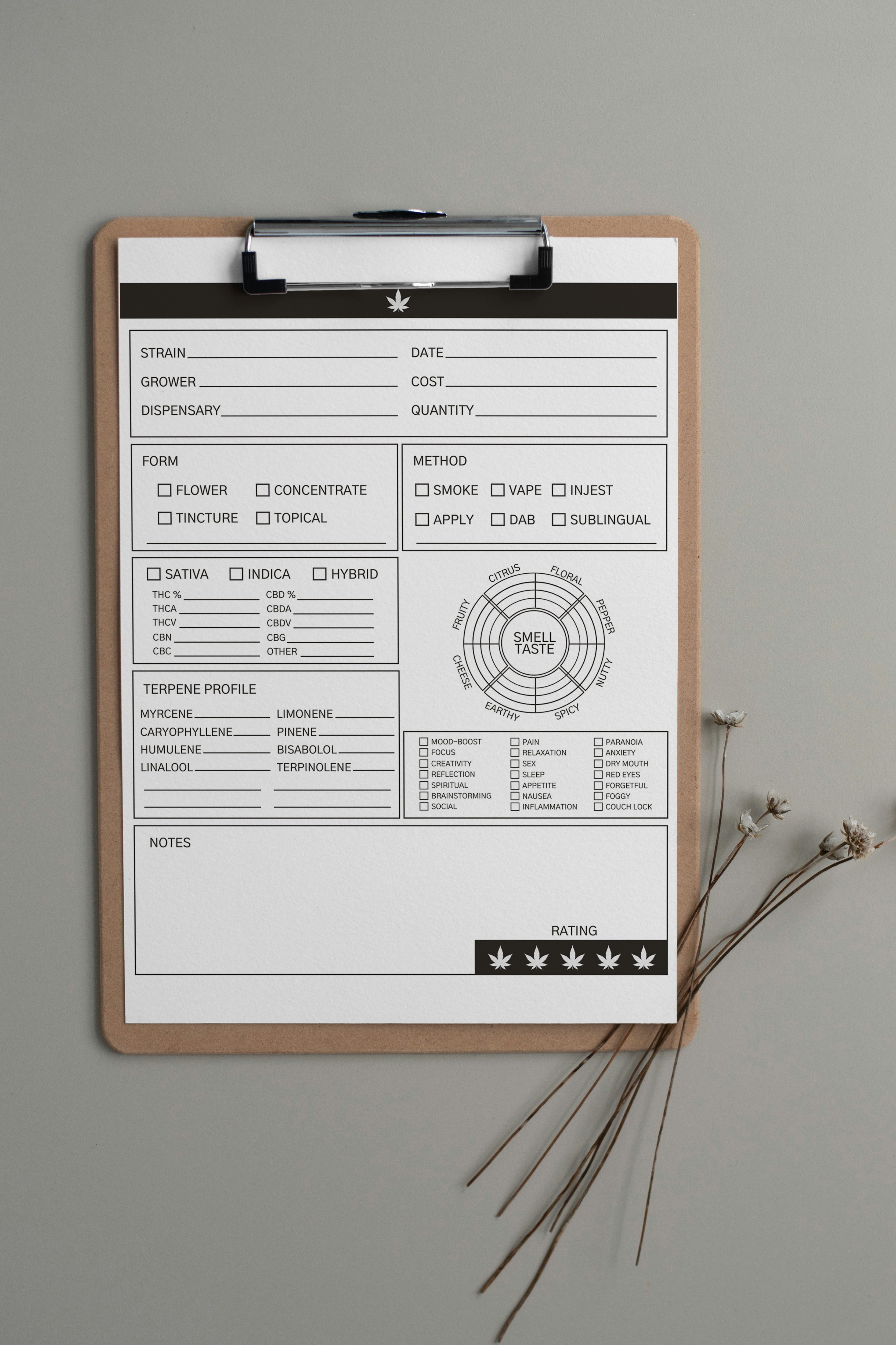 by Testeur de CBD (https://unsplash.com/@testeurdecbd)
Tips for Effective and Professional Invoicing
Effective invoicing can enhance your business's cash flow and reputation. Start by being clear and concise. Ensure all necessary details are easily understood.
A well-designed invoice reduces the chances of disputes. It should include clear payment terms and conditions. This helps avoid misunderstandings with clients about amounts due or deadlines.
Enhance your invoicing process with these key tips for professional results:
- Use consistent formatting
- Include detailed descriptions of services or products
- Specify payment methods and terms clearly
Implementing these practices can lead to smoother transactions and satisfied clients.
Frequently Asked Questions About Invoice Free Templates
What are the benefits of using an invoice free template?
Using an invoice free template can save time and money. They provide a quick solution for urgent invoicing needs. It's a smart choice for businesses on a budget.
How customizable are these templates?
Most templates offer a degree of customization. You can often adjust colors, fonts, and add logos. However, some free versions might have limited options.
Can free templates handle GST compliance?
Some can handle GST compliance by allowing tax fields. Check that the template adheres to local tax regulations to ensure compliance.
Are there any drawbacks to using a free template?
Free templates might offer limited features. You may face restrictions in customization or the number of invoices you can create.
¿Prefieres leer en español? Lee nuestra guía Cómo usar un Generador de Factura gratuito.
Conclusion: Streamline Your Billing With the Right Invoice Template
Choosing the right invoice free template can enhance your business efficiency. It saves time and ensures professionalism in your billing process. The right template reflects your brand's values and meets your specific needs.
With customizable options available, you can create effective and compliant invoices. Whether you opt for a basic template or an invoice maker online, ensure it aligns with your business goals. Streamline your invoicing and boost your client interactions today.
Q&A
Question: How do I choose the best invoice format (Word, Excel, PDF, or online)?
Short answer: Match the format to your workflow. Choose Word for simple, easily editable layouts; Excel when you need automatic calculations for multiple items; PDF to send a polished, consistent-looking final invoice; and an online invoice maker if you want accessible, feature-rich templates with built-in calculations and automation.
Question: What must every professional invoice include?
Short answer: Include your business name and contact information, the invoice date and a unique invoice number, recipient details, an itemized list of services/products with quantities and prices, the total amount due, and clear payment terms and conditions. If you’re GST-registered, add the GST percentage and amount to stay compliant.
Question: When should I use an invoice with GST versus one without GST?
Short answer: Use an invoice with GST if your business is GST-registered or your local regulations require it—show the GST rate and the tax amount. If you’re not registered for GST, use a no-GST template. Always consider your client’s location and ensure the invoice aligns with local tax rules.
Question: What are the trade-offs between creating a template from scratch and using an online invoice maker?
Short answer: Building from scratch gives you complete control over layout and branding but takes more setup time and may rely on spreadsheet formulas for accuracy. Online invoice makers offer convenience, automation, and integrations with payment and accounting tools, but free plans can limit customization, storage, or features and require a stable internet connection.
Question: How can I customize my invoice for branding without hurting clarity or compliance?
Short answer: Add your logo and brand colors, but use clear fonts and an organized layout to keep details readable. Reserve space for required tax fields (like GST if applicable), and include concise payment terms and optional notes. This balances a strong brand presence with easy-to-understand, compliant invoices.